
Fixing Smart Home Solar Inverter Connection Errors: [Tested Steps]
When your smart solar inverter loses its network connection, it stops reporting energy production to your mobile app. Fix this instantly by resetting the AC isolator switch, updating your 2.4 GHz Wi-Fi credentials, and clearing the inverter's internal cache memory.
 The Sudden Panic of a Blank Energy Dashboard
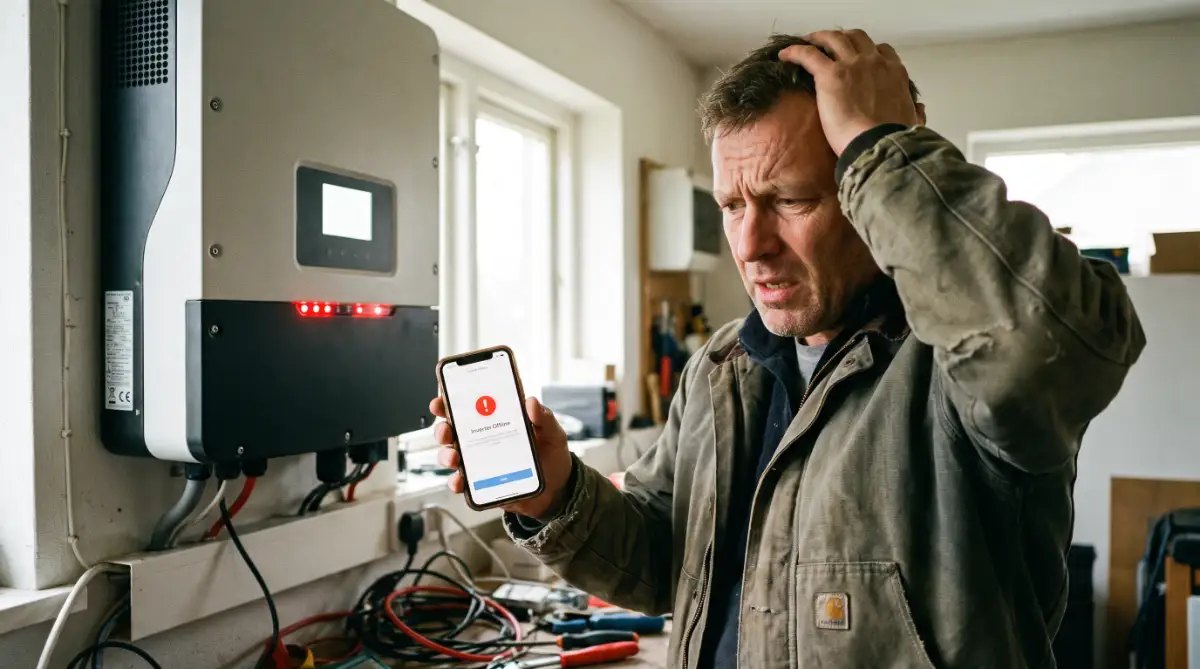
You invested thousands of dollars into a massive solar array on your roof. You expect that system to silently generate free electricity and lower your monthly bills. One afternoon, you open your mobile monitoring app to check your daily production, but the screen is completely blank.
A flashing red or grey "Offline" icon sits exactly where your energy numbers should be. The panic sets in immediately. You start wondering if your expensive roof panels are broken or if a massive power surge just destroyed your entire electrical setup.
Every hour that your app stays offline, you feel like you are actively losing money. You rely on that digital dashboard to confirm that your investment is actually working. The uncertainty destroys your peace of mind and leaves you feeling completely helpless.
Do not call an expensive technician just yet. Your solar panels are likely still producing electricity perfectly fine. The problem is almost always a simple communication breakdown between the inverter box on your wall and your home internet router. I am going to show you how to force that communication back online safely.
 Restoring the Digital Handshake
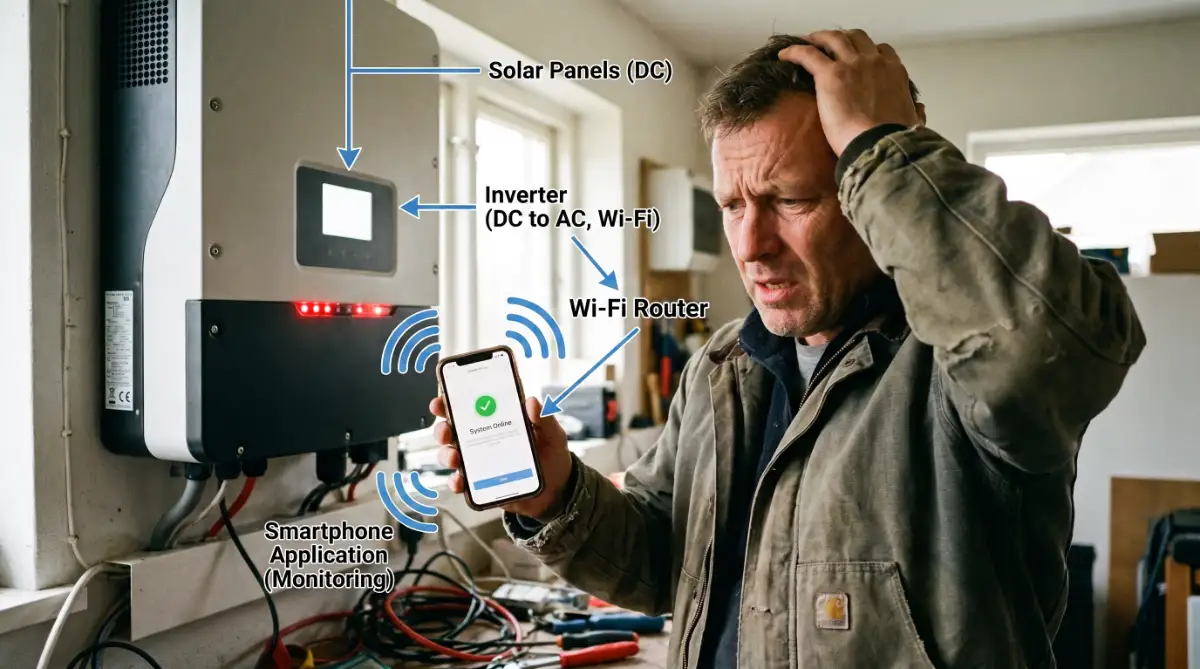
When your home Wi-Fi drops, your phone automatically reconnects. Solar inverters are not that smart. If your internet blinks for even ten seconds during the night, the inverter often gives up and stays disconnected indefinitely.
You have to manually force the machine to shake hands with your router again. Because you are dealing with high-voltage equipment, you must follow these specific steps without skipping ahead.
Step 1: Execute a Safe Hardware Reboot
Never pull cords or flip random switches on a solar system. You must isolate the power safely. Walk to your main electrical panel and locate the switch labelled "Solar AC Isolator".
Flip this switch to the "Off" position. Next, find the rotary switch directly under your inverter box labelled "DC Isolator" and turn it off. Wait exactly five minutes to let the internal capacitors drain completely.
Turn the DC switch back on, followed immediately by the AC switch. This physical reboot clears the corrupted network memory and forces the Wi-Fi chip to restart.
Step 2: Verify Your Wireless Frequency
Most modern home routers broadcast two separate internet signals: a 5 GHz band and a 2.4 GHz band. Your smartphone easily handles the faster 5 GHz band.
However, smart solar inverters have weak internal antennas that cannot process 5 GHz signals. They are strictly designed to run on the older 2.4 GHz frequency.
If your router automatically tried to force the inverter onto the faster band, the connection will drop instantly. Log into your router settings on your computer and separate the two networks by giving them different names.
Step 3: Re-enter the Network Credentials
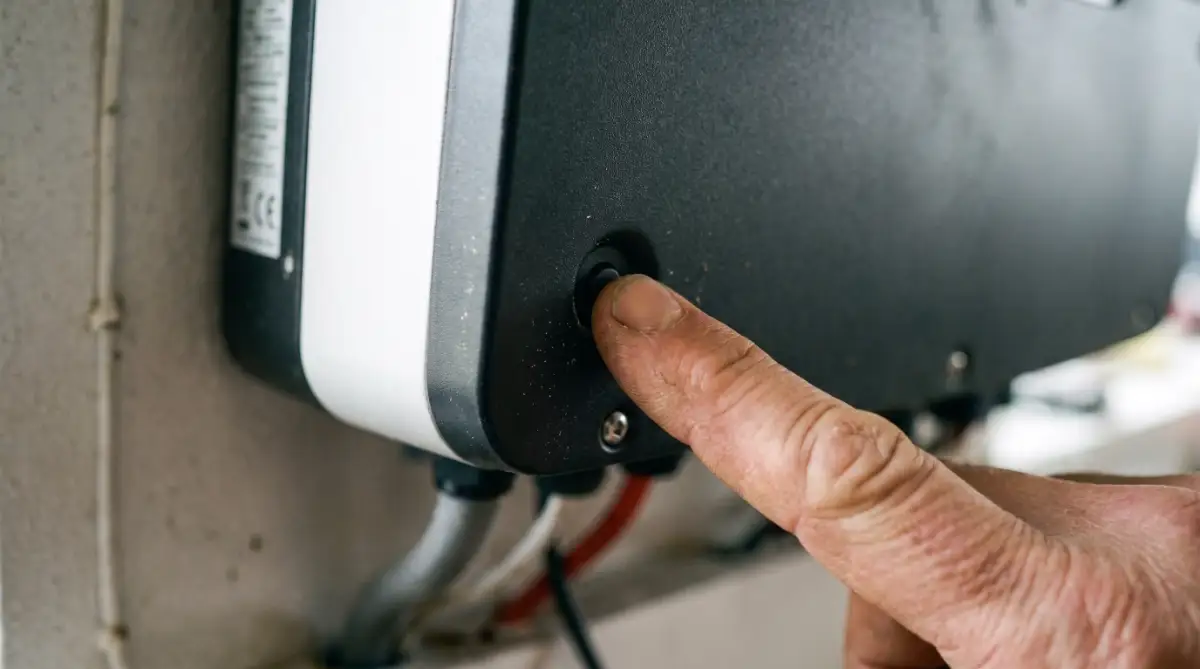
Once the networks are separated, stand next to your inverter with your smartphone. Press the physical "Wi-Fi Reset" button on the inverter casing for three seconds.
Open your solar monitoring app and go to the network setup page. Select your 2.4 GHz network and type your password in slowly.
Ensuring a clean, steady connection is just like ensuring you leave no gaps in your personal security. Leaving your internet unencrypted invites hackers, which leads directly to hidden privacy leaks in everyday AI automation tools. You must protect your home network with a strong, complex password.
Advanced Network Stability Tactics
Fixing the immediate connection is easy, but keeping it stable for years requires a deeper strategy. If your inverter drops offline every single week, your network environment is structurally flawed.
Professional installers do not rely on standard router settings. They manipulate the network architecture to guarantee the monitoring software never loses contact.
One of the most highly effective methods is assigning a static IP address to your inverter. Home routers typically assign dynamic IP addresses, meaning the network address changes randomly every few days.
When the address changes, the solar app gets confused and loses track of the hardware. By logging into your router's admin panel, you can lock a specific IP address directly to the inverter's MAC address. This ensures the digital path never changes.
Upgrading the Physical Signal Strength
Your inverter is likely bolted to a brick wall in your garage or on the side of your house. Thick brick, metal pipes, and heavy insulation destroy Wi-Fi signals.
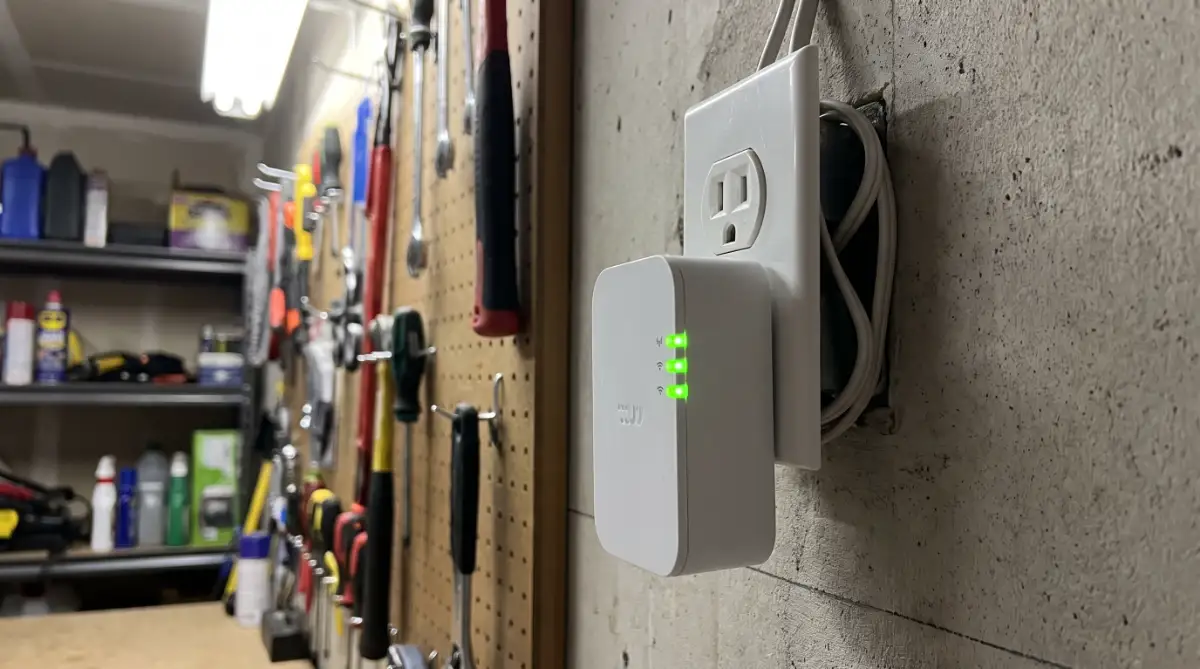
If your smartphone barely gets one bar of Wi-Fi standing next to the inverter, the machine will eventually drop offline. Purchase a basic Wi-Fi range extender and plug it into an electrical outlet halfway between your main router and the garage.
Maintaining a stable connection gives you peace of mind. It prevents you from making rushed, emotional decisions. Panic in technology management is just as destructive as panic in financial management. Making quick, fearful choices often leads to hidden dangers in life insurance policies. You must build a stable foundation so you can evaluate problems calmly.
The National Renewable Energy Laboratory (NREL) publishes extensive reports proving that consistent system monitoring drastically increases the long-term lifespan of residential solar equipment.
Catastrophic Hardware Mistakes to Avoid
When the app refuses to connect, people get frustrated and start making incredibly dangerous physical mistakes. Solar hardware handles lethal amounts of direct electrical current.
The absolute most disastrous mistake you can make is unscrewing and opening the main inverter casing.
You might think you can just adjust a loose wire inside the box. Opening that cover instantly voids your ten-year manufacturer warranty. More importantly, the capacitors inside hold massive electrical charges even when the system is completely shut off.
Touching the wrong terminal will result in severe injury or death.
Ignoring Physical Cable Damage
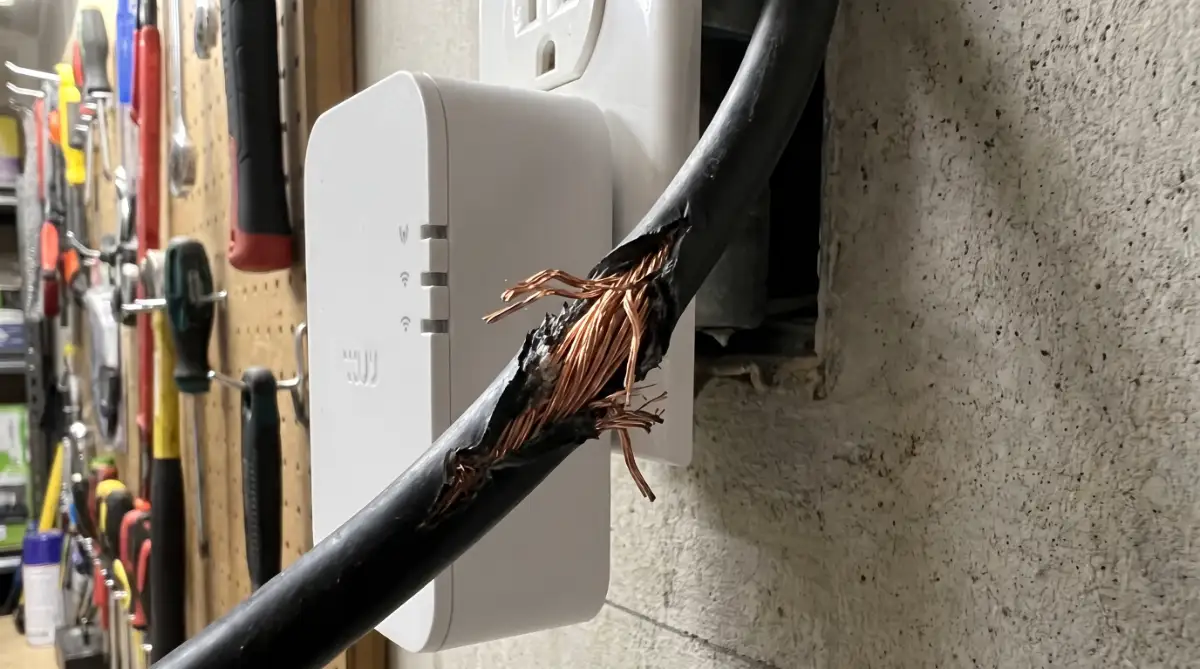
Another massive error is assuming the problem is strictly software-based while ignoring the physical environment. Go outside and inspect the thick black cables running from your roof into the inverter.
Squirrels, rats, and harsh weather routinely damage these exterior cables. If you see exposed copper wire or chewed rubber, your system is likely shutting down the Wi-Fi chip to prevent an electrical fire.
If you ignore physical damage, the consequences are incredibly severe. Small, ignored warnings compound quickly into massive losses. This is identical to the silent tax traps destroying life insurance payouts. You overlook a tiny detail in the physical setup, and it eventually drains thousands of dollars from your household.
If you suspect physical wire damage, you must hire a certified solar electrician immediately. Never attempt to tape high-voltage solar cables yourself.
Final Action Plan for Consistent Energy Monitoring
You now possess the exact technical knowledge to safely restore communication with your solar array. You understand that a blank dashboard is rarely a total hardware failure.
Do not let a spinning loading icon ruin your day. Approach the hardware methodically and respect the high voltage.
Your Immediate Reconnection Checklist:
- Isolate the Power: Turn off the AC and DC isolators. Wait five full minutes for the system to drain before turning them back on.
- Check the Frequency: Verify your mobile phone is connected to the 2.4 GHz network before attempting to pair the app.
- Boost the Signal: If the connection drops frequently, purchase a dedicated Wi-Fi extender for your garage or exterior wall today.
- Inspect the Wires: Perform a visual inspection of all visible exterior cables to ensure weather or animals have not compromised the system.
Protecting your energy data is just like protecting your personal wellness. You cannot expect a healthy outcome if you constantly bombard your body with negative inputs. It is the same concept as knowing how screen time impacts your metabolism. You must strictly control the environment to get the results you actually want.
Take absolute control of your energy dashboard today. Execute the hard reset, lock in your static IP address, and guarantee your massive solar investment remains visible and profitable every single day.
Disclaimer: The troubleshooting steps provided in this guide are for informational purposes only. Solar inverters process lethal amounts of high-voltage electricity. If you are uncomfortable operating the isolator switches or suspect physical cable damage, always hire a licensed, professional solar electrician to prevent severe personal injury or property damage.